
CallDress
Virtual camera for the Mac — the right framing in FaceTime, Zoom, Teams and Meet
Framed, lit and set right in every video call.
CallDress sits between your webcam and Zoom, Teams, FaceTime or Meet: head and shoulders stay in the picture, the lighting is right, and one click makes you private. Behind you, CallDress places a background of your own; with Plus, also one the AI creates from your description. For everyone who spends a lot of time in video calls.
- Your data stays on your Mac. CallDress processes picture and sound on your Mac; none of it is sent to us. Only for an AI image “In the cloud” does your description go to our server.
- A vendor you can look up. Developed and supported by Juergen Koller Software GmbH in Heilbronn; support in English and German.
Private licence – for private use only
For professional, business or commercial use there is the business licence CallDress (Terms, Section 6c) — an annual subscription per seat: Order the business licence
Currently not available to buyers in the United Kingdom.
Description
Screenshots
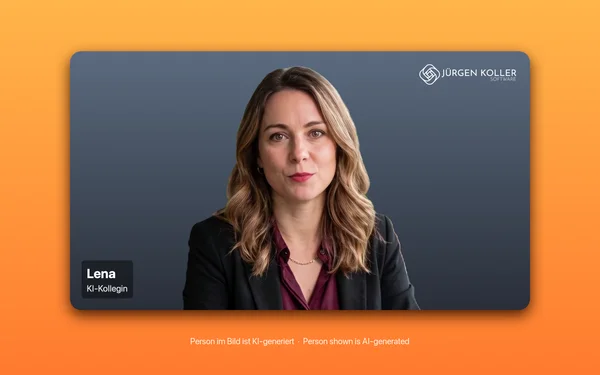
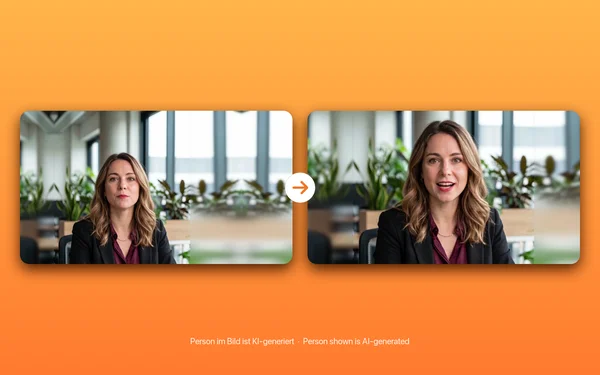
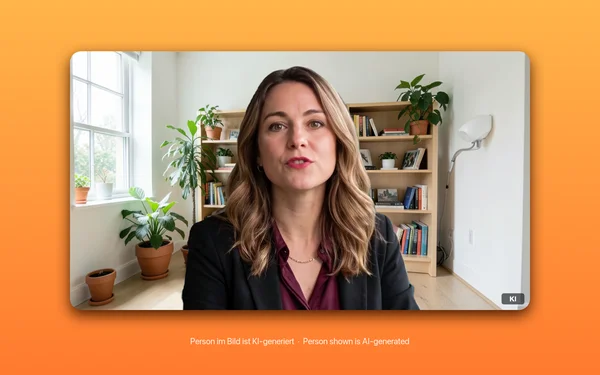
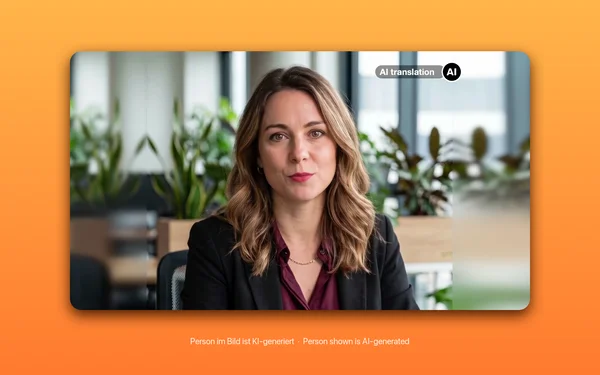
Features
In every app with a camera
FaceTime, Zoom, Microsoft Teams, Google Meet, Webex and the browser see “CallDress” like a webcam — the app in the call picks 720p or 1080p itself
Framing by hand or automatic
Drag and zoom the frame, saved per camera — or let the automatic mode keep head and shoulders calmly in the picture, with any camera
Automatic lighting
Brightens a face that is too dark and tones down backlight — plus image controls for exposure, warmth, contrast and sharpness
Privacy button
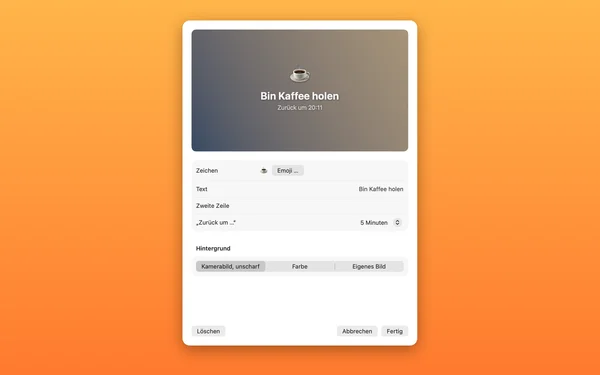
Still image, “Be right back” or black — with a click or a keyboard shortcut, or by itself when nobody is in the picture
Mirror in the menu bar
Shows the finished picture before the call and tells you what is off: backlight, no face in the picture, too much zoom
Profiles per app
Framing, image controls and lighting as a profile — linked to an app, it applies by itself as soon as that app opens the camera
Your own background
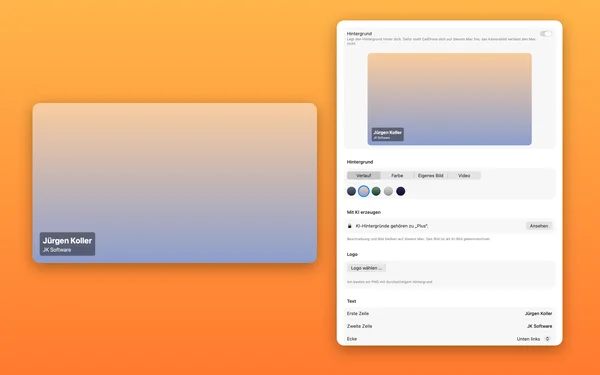
Colour, gradient, your own image, logo or two lines of text behind you; CallDress cuts you out for this on your Mac
AI backgrounds with Plus
Describe the background and the AI creates it: on your Mac with no quantity limit or in the cloud with image credits. The picture then shows the sign “KI” (AI)
Clips with Plus
Up to 60 seconds of what the others in the call see and hear of you, saved as a video on your Mac with a keyboard shortcut
Interpreter, add-on
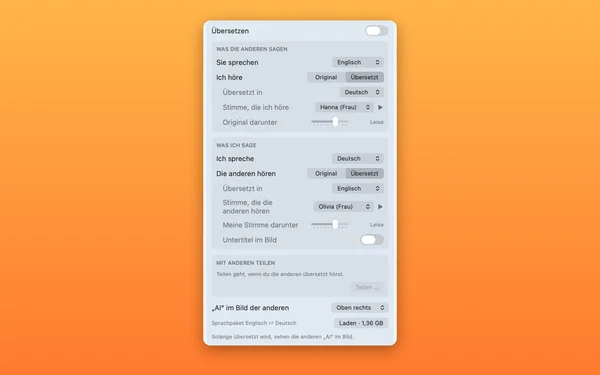
Hear the others in your language while they hear you in theirs: English, Romanian and German, translated on your Mac. The picture then shows the sign “AI”
Virtual microphone, free
“CallDress Mikrofon” with your voice as it is or as a cyborg, delayed in sync with your lips — the real microphone runs only while a program is using it. With Plus also as Goblin or Walkie-talkie
Frequently Asked Questions
How much does CallDress cost?
Mirror, manual framing, image controls and the virtual microphone are free, with no time limit. Automatic framing, automatic lighting, per-app profiles, the privacy button and your own background cost EUR 19.00. CallDress Plus costs EUR 69.00 and adds AI backgrounds, clips and the voice effects Goblin and Walkie-talkie, with 100 image credits. Prices incl. VAT for customers in the EU; no German VAT outside the EU. Both are one-time purchases, no subscription. Try it free for 14 days first.
I already have CallDress. How do I get Plus?
With the upgrade for EUR 50.00 (incl. VAT for customers in the EU), from the app or here in the store with your licence key. Your CallDress licence remains, and you get the 100 image credits just as with the full purchase.
What are image credits?
With credits, CallDress Plus creates AI backgrounds “In the cloud”: one image costs 1 credit (“Standard”) or 5 credits (“Best”). 100 credits are included in the purchase of Plus. More are available in packages: 40 for EUR 5.00, 100 for EUR 10.00, 220 for EUR 20.00, bought from within the app. Credits do not expire. “On this Mac” needs no credits.
What does the interpreter do?
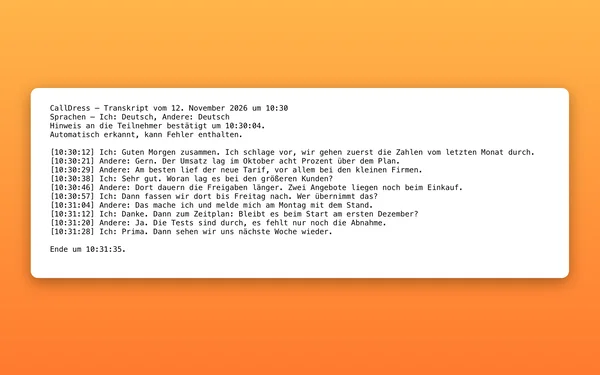
It translates conversations in video calls with AI, right on your Mac: you hear the others in your language, and the others hear you with your voice and, over it, the translation in theirs. English ⇄ German, Romanian ⇄ German and English ⇄ Romanian, in Microsoft Teams, Zoom, Webex and the browser (Chrome, Firefox, Edge). While it is on, the others see the sign “AI” in the picture. CallDress downloads the language packs when you click, more than 1 GB per language pair. The interpreter is a separate purchase for EUR 39.00, one-time, and is not included in Plus. Prices incl. VAT for customers in the EU; no German VAT outside the EU. It is included in the 14-day trial.
Does CallDress work with Zoom, Teams and FaceTime?
Yes. CallDress appears as the camera “CallDress” in FaceTime, Zoom, Microsoft Teams, Google Meet, Webex and the browser. You select it there like a webcam; the app in the call picks the format itself, 720p or 1080p at 30 or 60 frames per second.
How do I set up the microphone?
In Settings › General › “Setup”, press “Set Up…” next to the microphone. CallDress adds an audio driver for this; macOS asks for your administrator password, and the sound of all programs pauses for about a second. Then choose “CallDress Mikrofon” in Zoom, Teams or FaceTime. CallDress installs nothing without that button press, and “Remove…” takes the microphone out again.
Do picture and sound leave my Mac?
Not to us. CallDress processes picture and sound only on your Mac, and the app needs no account (you only sign in to buy in the store). What a program such as Zoom does with them is up to that program. CallDress itself only sends the licence check, the update check and, if you use it, “Feedback & Support” online. With Plus, CallDress downloads the AI model from Hugging Face when you ask it to, and for an AI image “In the cloud” your description goes to our server with the licence key and device identifier; our AI service provider receives only the description. For the interpreter, CallDress downloads language packs from our delivery network when you click; it translates the sound on your Mac. The licence check transmits a derived device identifier, not your Mac’s name.
Do I need a Mac with Apple silicon?
Yes. CallDress runs only on Macs with Apple silicon (M1 or later). It does not start on Macs with an Intel processor.
Which version of macOS do I need?
macOS 15 (Sequoia) or later. On first launch macOS asks once for approval of the camera extension (System Settings › General › Login Items & Extensions) and for access to the camera.
Doesn’t my Mac already have Center Stage?
Apple’s Center Stage is available only for certain Apple cameras. CallDress brings manual and automatic framing to any camera, USB webcams included, and works in every app in which you can choose the camera.
What happens after the trial?
During the trial everything is unlocked, though AI images only “On this Mac”; “In the cloud” needs a purchased Plus licence. Without a purchase, the mirror, manual framing, image controls and the microphone stay available afterwards. With CallDress you keep automatic framing, automatic lighting, profiles, the privacy button and your own background; AI backgrounds, clips and the voice effects Goblin and Walkie-talkie belong to CallDress Plus. Anything not purchased shows a note about the purchase instead of silently doing nothing. Each licence covers three Macs; you can release a device yourself at any time.
Is CallDress available on the Mac App Store?
Not at the moment. CallDress is offered as a direct download via this store. The app is notarised by Apple and opens without any workaround.
News by email
Roughly every two to three months: new versions and new Mac apps. No tracking, unsubscribe anytime.
Goes well with
 FreezeTextSomeone shares a slide with an address or an error message in the call: FreezeText captures the text from the screen with a keystroke, no retyping.View product page
 InkraWrite the notes for the call straight in Markdown: Inkra is a native Markdown editor for the Mac, with live preview and an AI assistant.View product page