
PDF Content Search
Find everything – even inside your emails.
The Problem
500 invoices. Your tax advisor asks for the Telekom bill from March 2024. How long does it take you?
How it works
Select a folder
Choose a folder with your documents.
Wait for OCR analysis
The app automatically recognizes text in all documents.
Search — done
Find any amount, any IBAN, any word.
And when you're not at your Mac?
Scan documents on the go with your iPhone or Android. AI names the file automatically. Encrypted sync to your Mac. Next time you search — it's already there.
Free Scanner Apps — included with purchase
Android
Coming soon to Google Play
Ready to bring order to your documents?
EUR 89.99 incl. VAT · One-time purchase · No subscription
Includes free scanner apps for iOS and Android
"The tool is worth every cent." — M63G, App Store
Description
Screenshots
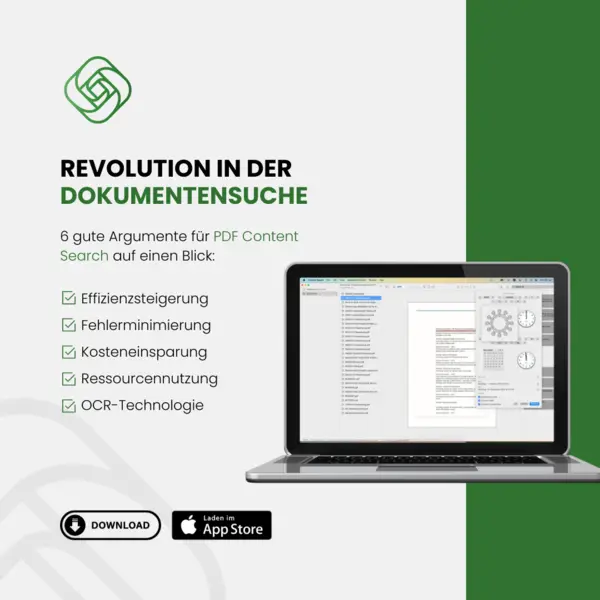

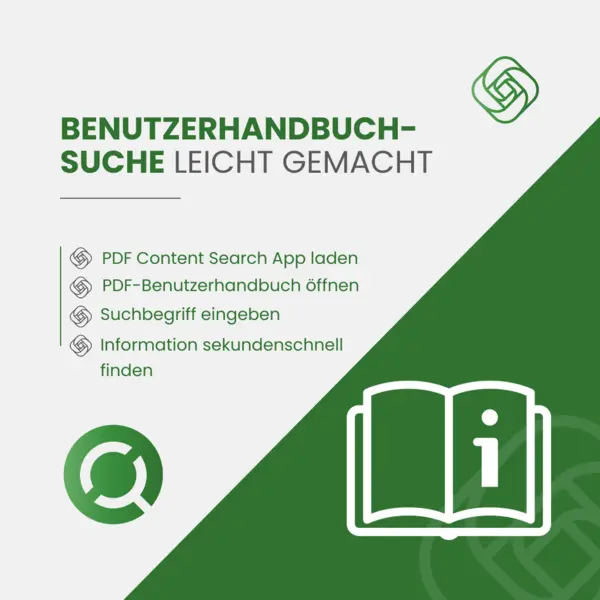
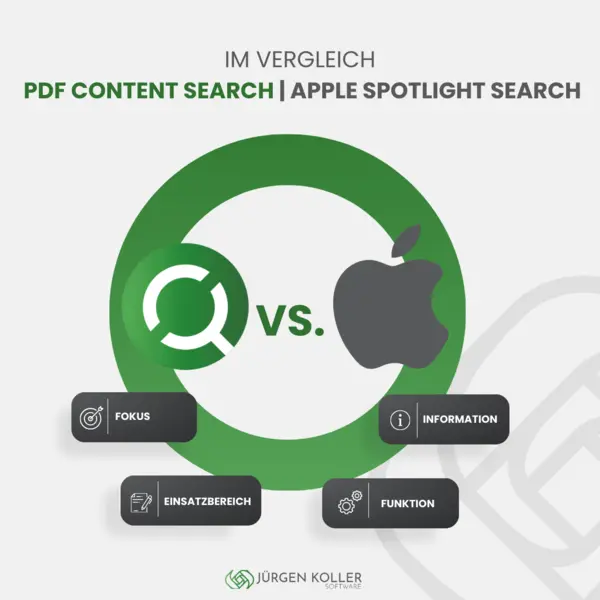








What's New
Version 1.20 • NEW: Apple Mail is searchable – subjects, body text and attachments (PDF, images, Office) • Attachment access in detail view, reveal mail in Finder with one keystroke • Smarter search (also finds partial words and pasted snippets) • Visible indexing progress and many refinements
Features
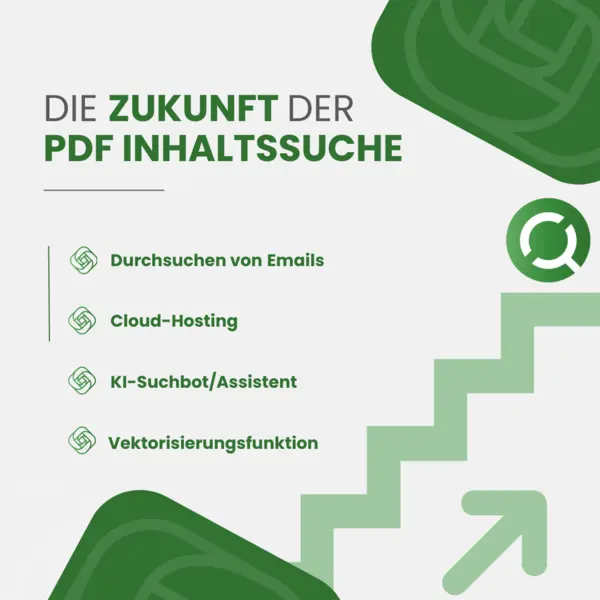
Search Apple Mail
Full-text search across subjects, body text and the contents of attachments (PDF, images, Office) – completely local.
Fast Full-Text Search
Search PDF documents, images, and text files in seconds.
OCR Text Recognition
Automatic text recognition in scanned documents and images.
AI Filenames
AI names your scans automatically — an invoice becomes "250401 Invoice Telekom.pdf".
iPhone & Android Scanner — free
Free companion apps for iOS (App Store) and Android (Google Play). Scan documents, AI names automatically, encrypted transfer to your Mac. No subscription, no ads.
Real-Time Mac Sync
Scanned documents are automatically synced between your devices with encryption.
Advanced Filters
Filter search results by date, file type, and size.
What users say
What problem did you have?
Running the association means countless emails, documents, letters, bank statements and administrative correspondence every day, so it is easy to lose track when searching.
How had you tried to solve it before?
I created all sorts of folders, subfolders and sub-subfolders in the file manager of my MacBook. But then more keywords and categories came along. Some files simply did not fit the scheme. On top of that I never knew which file to file in which folder. Sometimes a file belongs to more than one category. So how do you deal with that? When all of these attempts failed, I first tried a different piece of software. But it required typing terminal commands and moving every single file into a folder on the desktop to be indexed. How cumbersome is that?
How did PDF Content Search help?
After I came across PDF Content Search, I simply put ALL the association's files into one searchable folder and let the software index them. With a very large amount of data that takes a while at first, but from then on the software keeps everything up to date automatically. On my very first search I was blown away that within fractions of a second I found a file where the term I was looking for appeared somewhere in the text.
What would you recommend to others?
I can only recommend this to everyone: do not search around for long, go straight for PDF Content Search. Anyone who likes order and does not want to spend time searching will find the one tool that does it all, because it indexes the full text automatically. Even all emails are included in the search. That gives you complete full-text research, and the long search is finally over!
PDF Content Search is recommended without reservation, especially as you can turn to Mr Koller directly with questions or problems at any time and rely on friendly support. What more could you want?
The self-help group uses PDF Content Search under a free licence for non-profit organisations. Translated from the German original, which was published unchanged with the author's consent.
Privacy & Security
Local Processing
All documents are processed locally on your device.
Frequently Asked Questions
Do I need a subscription?
No, one-time purchase.
What file formats are supported?
PDF, images (JPG, PNG, TIFF), text files. OCR for scanned documents.
Does search work offline?
Yes, everything runs locally.
What are the companion apps?
Free scanner apps for iPhone and Android. Scan documents, AI names them, encrypted sync to Mac.
Which macOS version is required?
macOS 14 Sonoma or later.
Goes well with
 FreezeTextText a document will not hand over: FreezeText freezes the screen and makes any visible text copyable — even in viewers that block selection.View product page
 DistillDistill renames incoming files automatically — "scan_0421.pdf" becomes "250401 Invoice Telekom.pdf". It sharpens your search before you even start it.View product page