
FreezeText
OCR Text Recognition for Mac - Capture Text From Anywhere
Currently not available to buyers in the United Kingdom.
Description
Screenshots
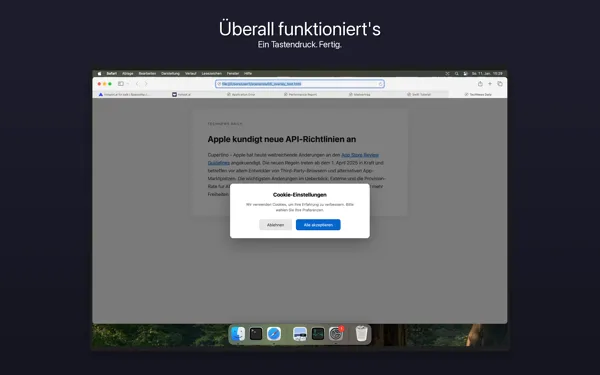
What's New
Version 1.21 • Multiple displays: FreezeText now captures on every connected display, however they are arranged • Faster setup: granting screen recording takes just a moment, and FreezeText restarts automatically afterwards • Refreshed menu: every item in the menu bar menu now has an icon • New app icon: bolder, and right at home in the new macOS 26 look • Feedback & Support: see replies from support right away, on the menu bar icon, in the menu and, if you like, as a notification
Version 1.17 • You choose while capturing whether the text goes into the history: “Copy only” or “Copy & save” • The recognized text is in the clipboard right away – even if you close the edit window with Escape
Version 1.16 • Close the edit window with ⌘S as well – in addition to ESC and ⌘H; your text is always saved, as before • In the editor after text recognition, ⌘S takes over the text just like the copy button
Version 1.2 • QR code and barcode detection • Configurable OCR languages • History: search, export (JSON/CSV), drag & drop reordering, color tags • macOS Services integration (extract text from images in Finder) • Text editor: auto-save, translucent design • HTTP API with 40+ endpoints for automation • Localized tooltips on all UI elements
First release of FreezeText! • Lightning-fast OCR text recognition with Apple Vision • Global keyboard shortcut for instant capture • History sidebar for all captured texts • Smart text processing (line breaks, hyphenation) • Multi-display support • Fully localized in English and German
Features
Lightning-Fast OCR
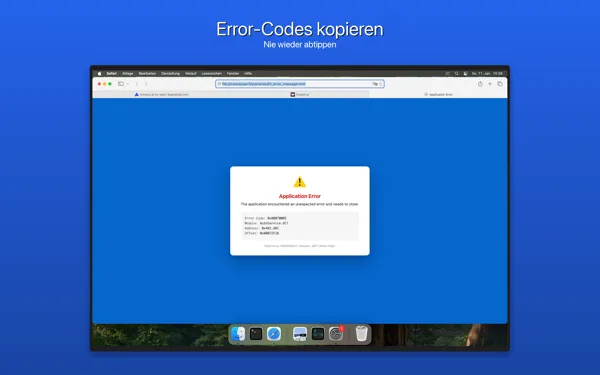
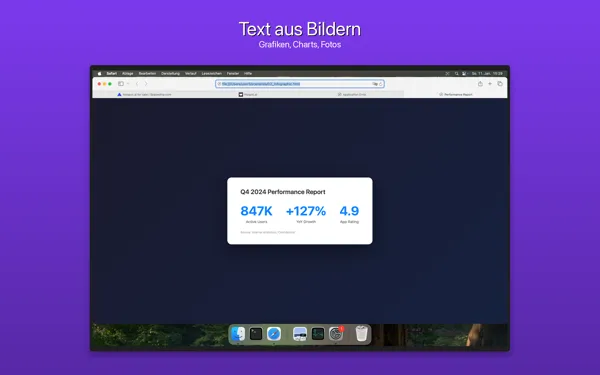
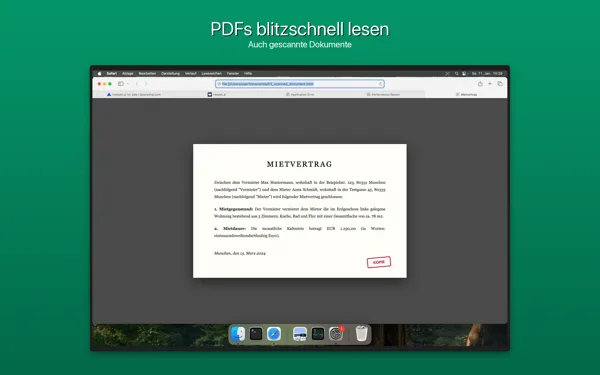
Text recognition in under 0.3 seconds thanks to Apple Vision Framework
Global Hotkey
Activate FreezeText from anywhere with a single keystroke (⌘⇧7)
QR Code & Barcode Detection
Automatic detection of QR codes and barcodes in the selected area
History Sidebar
Searchable history with color tags, export (JSON/CSV), and drag & drop reordering
Smart Text Processing
Automatic correction of line breaks, whitespace, and hyphenation
macOS Services Integration
Extract text from images directly in Finder via the Services menu
HTTP API
40+ endpoints for automation, OCR, mouse/keyboard control, and more
Multi-Display Support
Works seamlessly across all connected monitors
Privacy & Security
Text recognition stays local
Captured text and screen content never leave your Mac. An internet connection is required for purchase, activation and license checks.
Local Processing
OCR runs entirely locally with Apple Vision — captured content does not leave your device
Frequently Asked Questions
How much does FreezeText cost?
EUR 19.99 as a one-time purchase (incl. VAT for customers in the EU; no German VAT outside the EU), no subscription. Try it free for 14 days first.
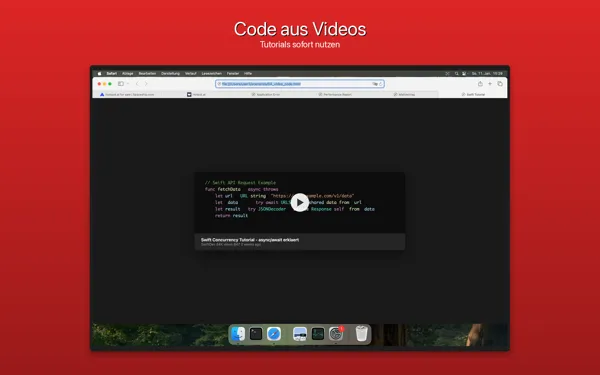
Does it work with videos?
Yes, the screen is frozen and text is recognized via OCR.
Is my data sent to the cloud?
Text recognition runs locally with Apple Vision; captured content never leaves your Mac. Only the data required for purchase, activation and license checks is transmitted.
Which languages are recognized?
All languages supported by Apple Vision, configurable in settings.
News by email
Roughly every two to three months: new versions and new Mac apps. No tracking, unsubscribe anytime.
Goes well with
 PDF Content SearchCaptured snippets are the start; PDF Content Search then runs full-text search across entire document folders and your Apple Mail messages.View product page
 InkraWhere does the captured text go? Inkra is a native Markdown editor with live preview and an AI assistant — for everything the snippet should become.View product page
Free alongside
Strip captured text of zero-width characters and typographic leftovers: Text cleaner →